

Integrate Fivetran with Tiger Cloud
Automatically sync data from multiple sources to simplify ETL processes
Fivetran is a fully managed data pipeline platform that simplifies ETL (Extract, Transform, Load) processes by automatically syncing data from multiple sources to your data warehouse.
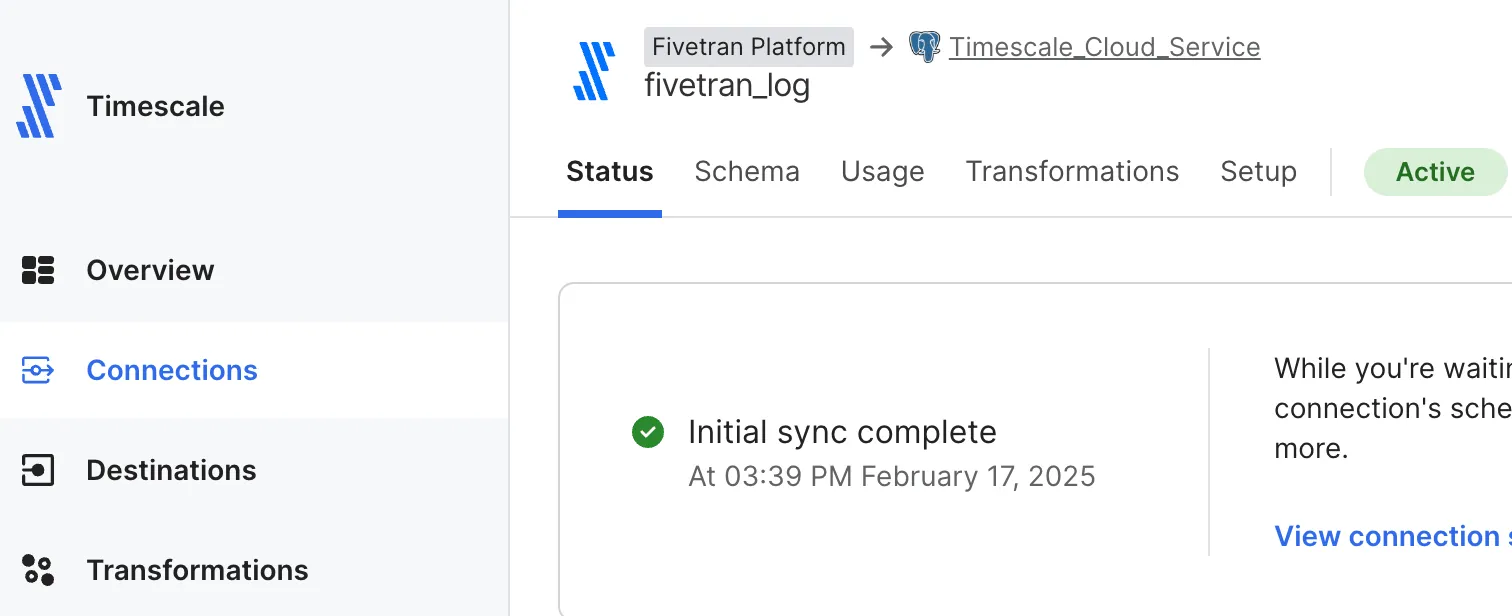
This page shows you how to inject data from data sources managed by Fivetran into a Tiger Cloud service.
Prerequisites
Section titled “Prerequisites”To follow the procedure on this page you need to:
-
Create a target Tiger Cloud service.
This procedure also works for self-hosted TimescaleDB.
- Sign up for Fivetran
Set your service as a destination in Fivetran
Section titled “Set your service as a destination in Fivetran”To be able to inject data into your Tiger Cloud service, set it as a destination in Fivetran:
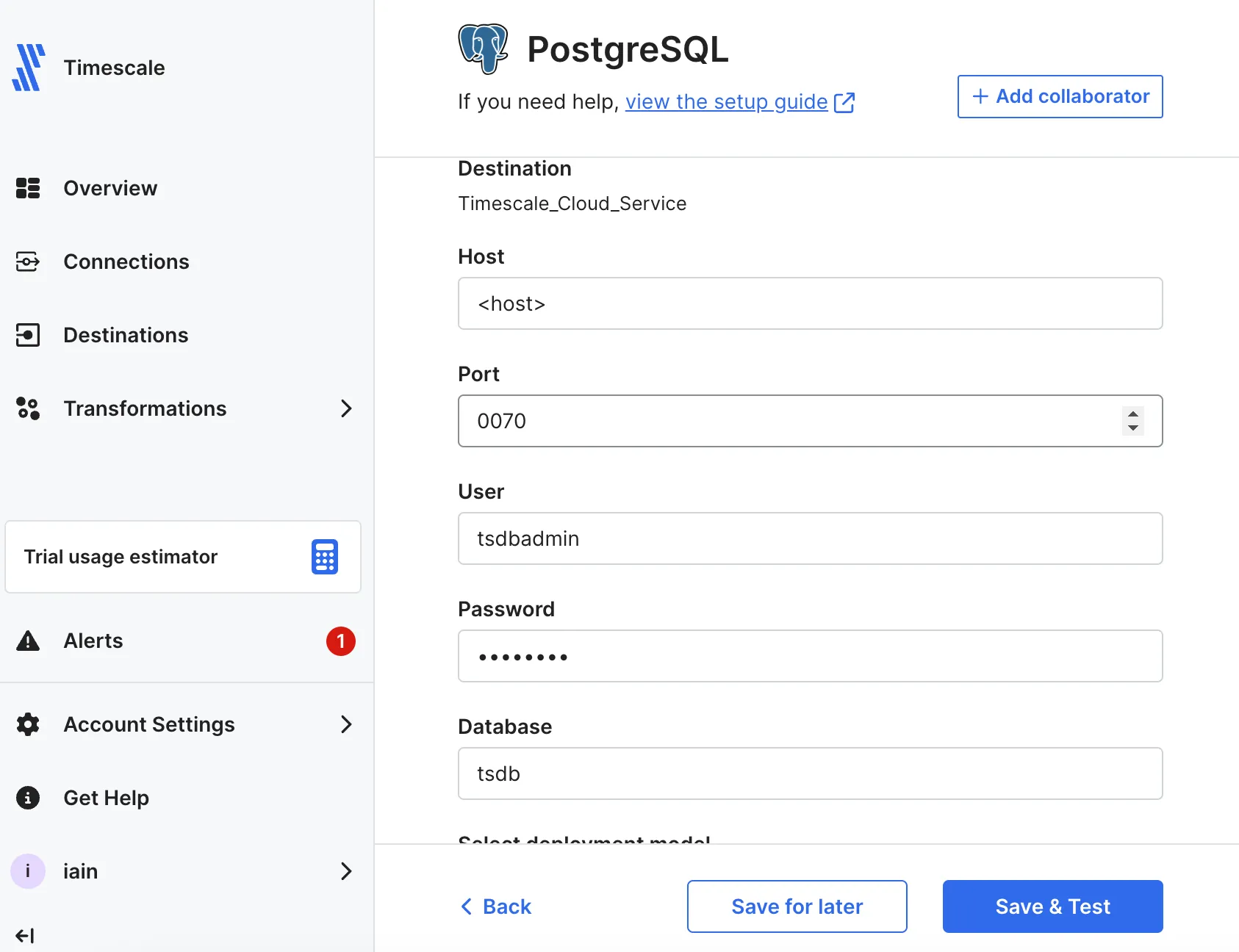
-
In Fivetran Dashboard > Destinations, click
Add destination. -
Search for the
PostgreSQLconnector and clickSelect. Add the destination name and clickAdd. -
In the
PostgreSQLsetup, add your Tiger Cloud service connection details, then clickSave & Test.Fivetran validates the connection settings and sets up any security configurations.
-
Click
View Destination.The
Destination Connection Detailspage opens.
Set up a Fivetran connection as your data source
Section titled “Set up a Fivetran connection as your data source”In a real world scenario, you can select any of the over 600 connectors available in Fivetran to sync data with your Tiger Cloud service. This section shows you how to inject the logs for your Fivetran connections into your Tiger Cloud service.
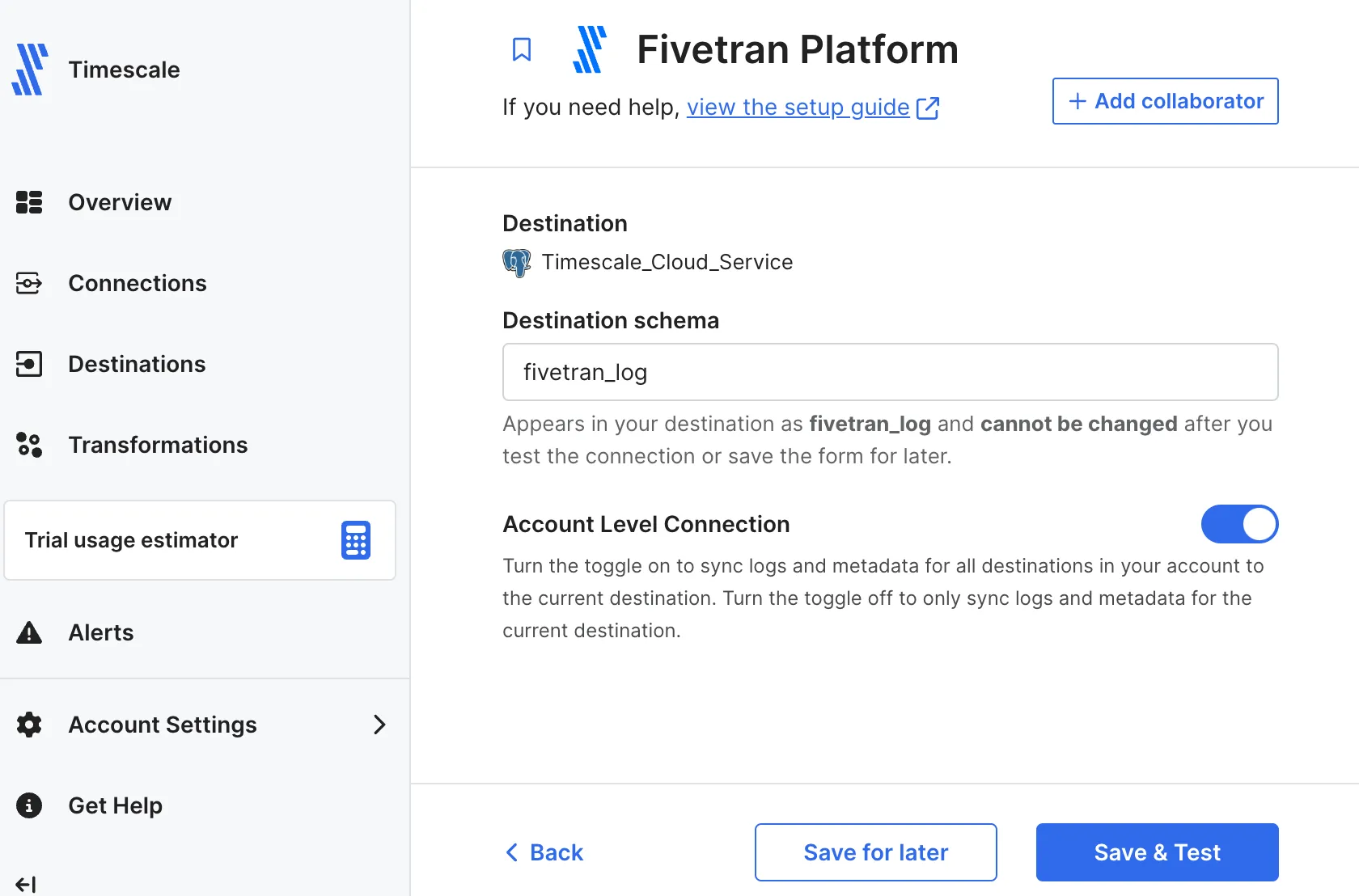
-
In Fivetran Dashboard > Connections, click
Add connection. -
Search for the
Fivetran Platformconnector, then clickSet up. -
Leave the default schema name, then click
Save & Test.You see
All connection tests passed! -
Click
Continue, selectYes, build data models for me, and clickContinue.Your Fivetran connection is connected to your Tiger Cloud service destination.
-
Select
Start syncing all my data nowand clickStart initial sync.Fivetran creates the log schema in your service and syncs the data to your service.
View Fivetran data in your service
Section titled “View Fivetran data in your service”To see data injected by Fivetran into your Tiger Cloud service:
-
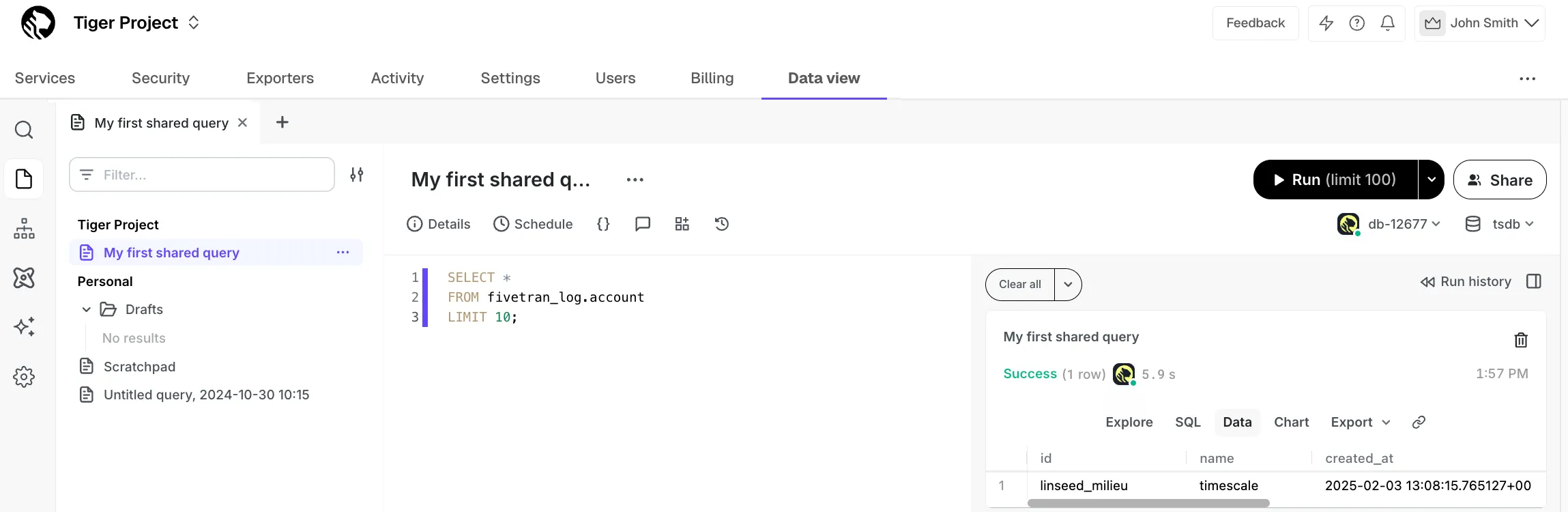
In Tiger Console, click
Data view, select your service, then run the following query:SELECT *FROM fivetran_log.accountLIMIT 10;You see something like the following:
You have successfully integrated Fivetran with Tiger Cloud.