

Integrate pgAdmin with Tiger Cloud
Query, visualize, and manage your database with an open-source administration tool
pgAdmin is a feature-rich open-source administration and development platform for PostgreSQL. It is available for Chrome, Firefox, Edge, and Safari browsers, or can be installed on Microsoft Windows, Apple macOS, or various Linux flavors.
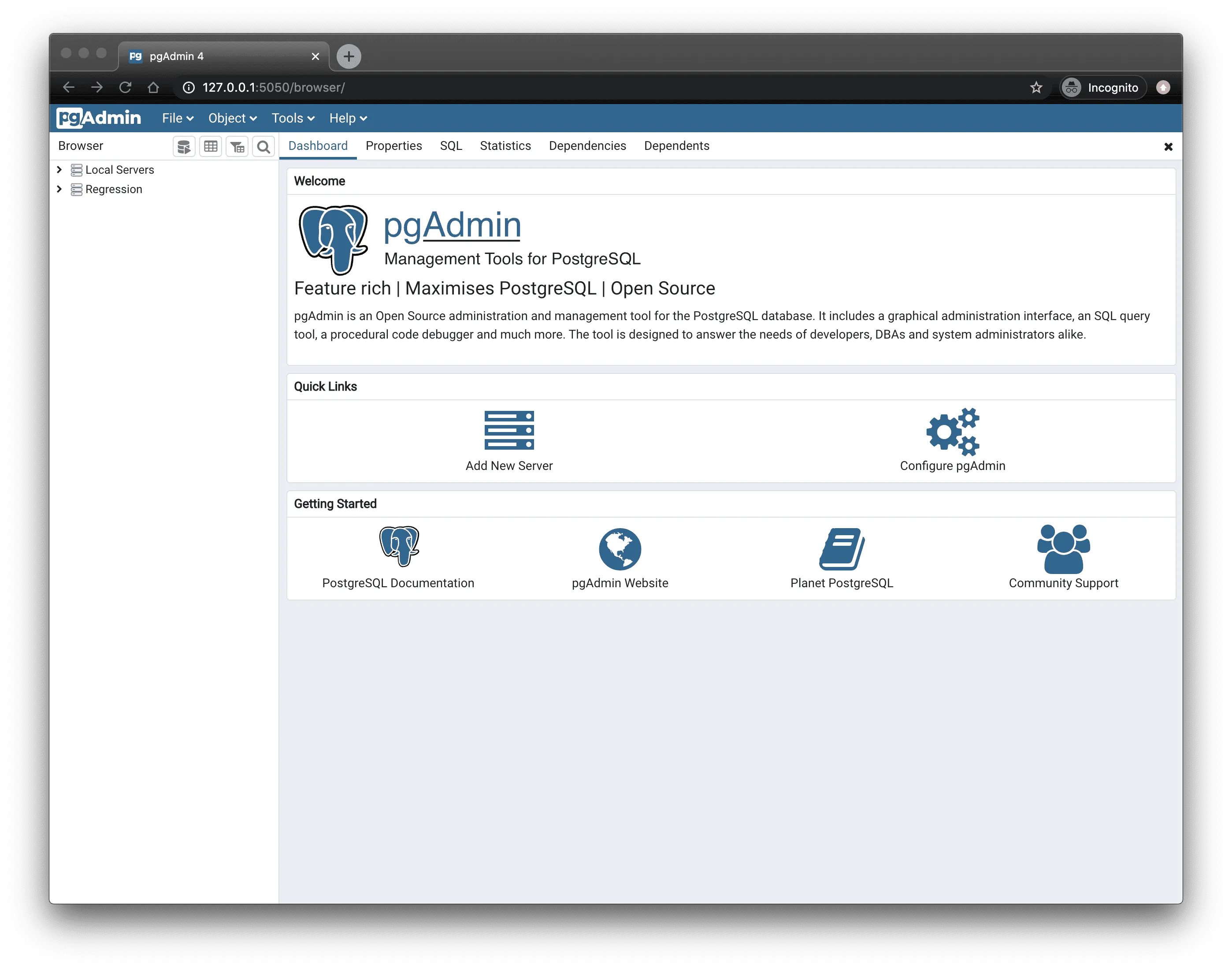
This page explains how to integrate pgAdmin with your Tiger Cloud service.
Prerequisites
Section titled “Prerequisites”To follow the procedure on this page you need to:
-
Create a target Tiger Cloud service.
This procedure also works for self-hosted TimescaleDB.
- Download and install pgAdmin.
Connect pgAdmin to your service
Section titled “Connect pgAdmin to your service”To connect to Tiger Cloud:
- Start pgAdmin
- In the
Quick Linkssection of theDashboardtab, clickAdd New Server - In
Register - Server>General, fill in theNameandCommentsfields with the server name and description, respectively - Configure the connection
- In the
Connectiontab, configure the connection using your connection details. - If you configured your service to connect using a stricter SSL mode, then in the
SSLtab checkUse SSL, setSSL modeto the configured mode, and in theCA Certificatefield type the location of the SSL root CA certificate to use.
- In the
- Click
Save
You have successfully integrated pgAdmin with Tiger Cloud.